
01
Every trip on one map
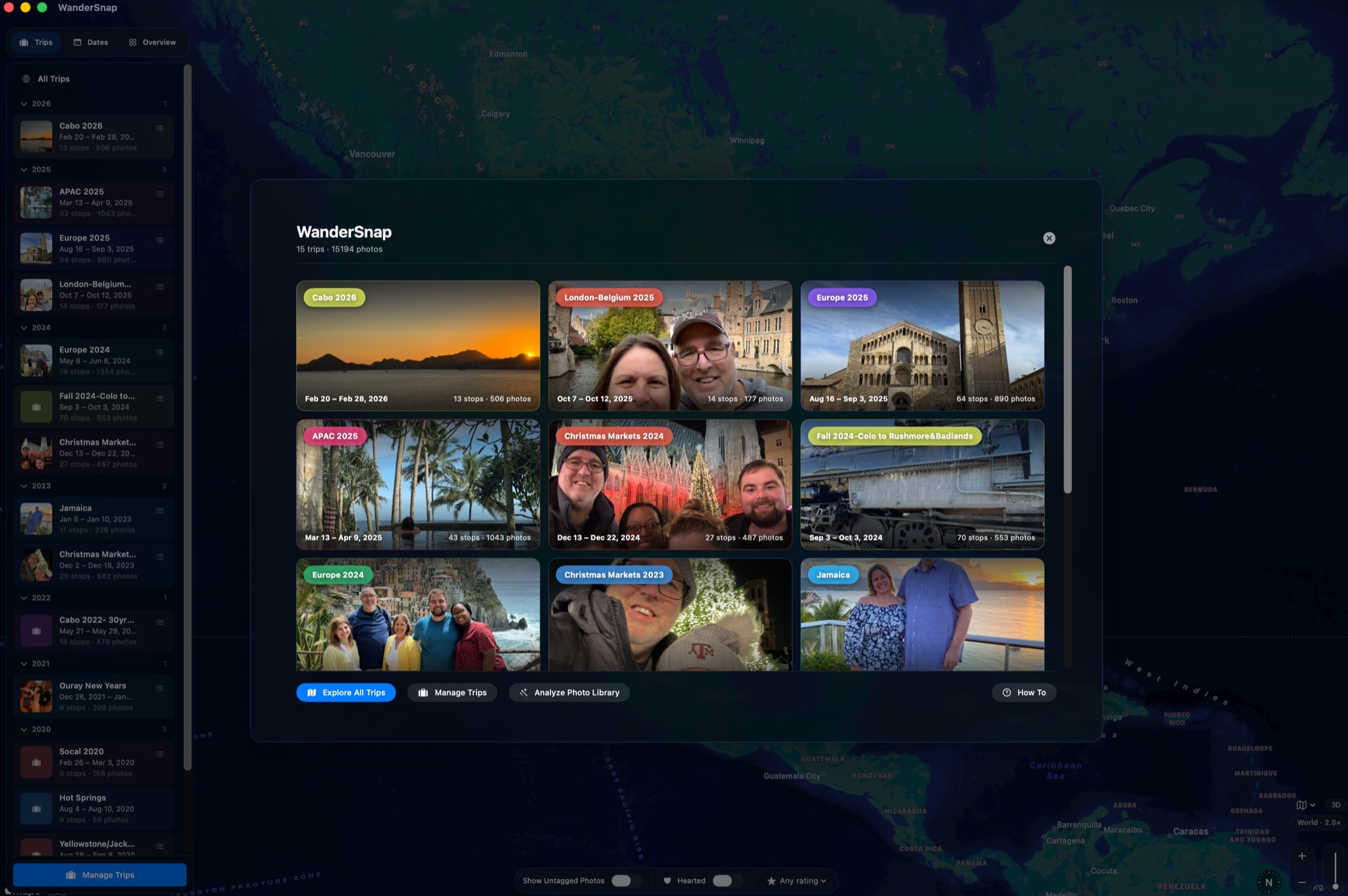
Open WanderSnap and see all your journeys at a glance. Pan across years of travel, then dive into any single trip with a tap. It's the whole shape of where you've been, in one view.

WanderSnap / Features
WanderSnap is built for the way you actually remember a trip. Here's a closer look at what's inside.
Open WanderSnap and see all your journeys at a glance. Pan across years of travel, then dive into any single trip with a tap. It's the whole shape of where you've been, in one view.
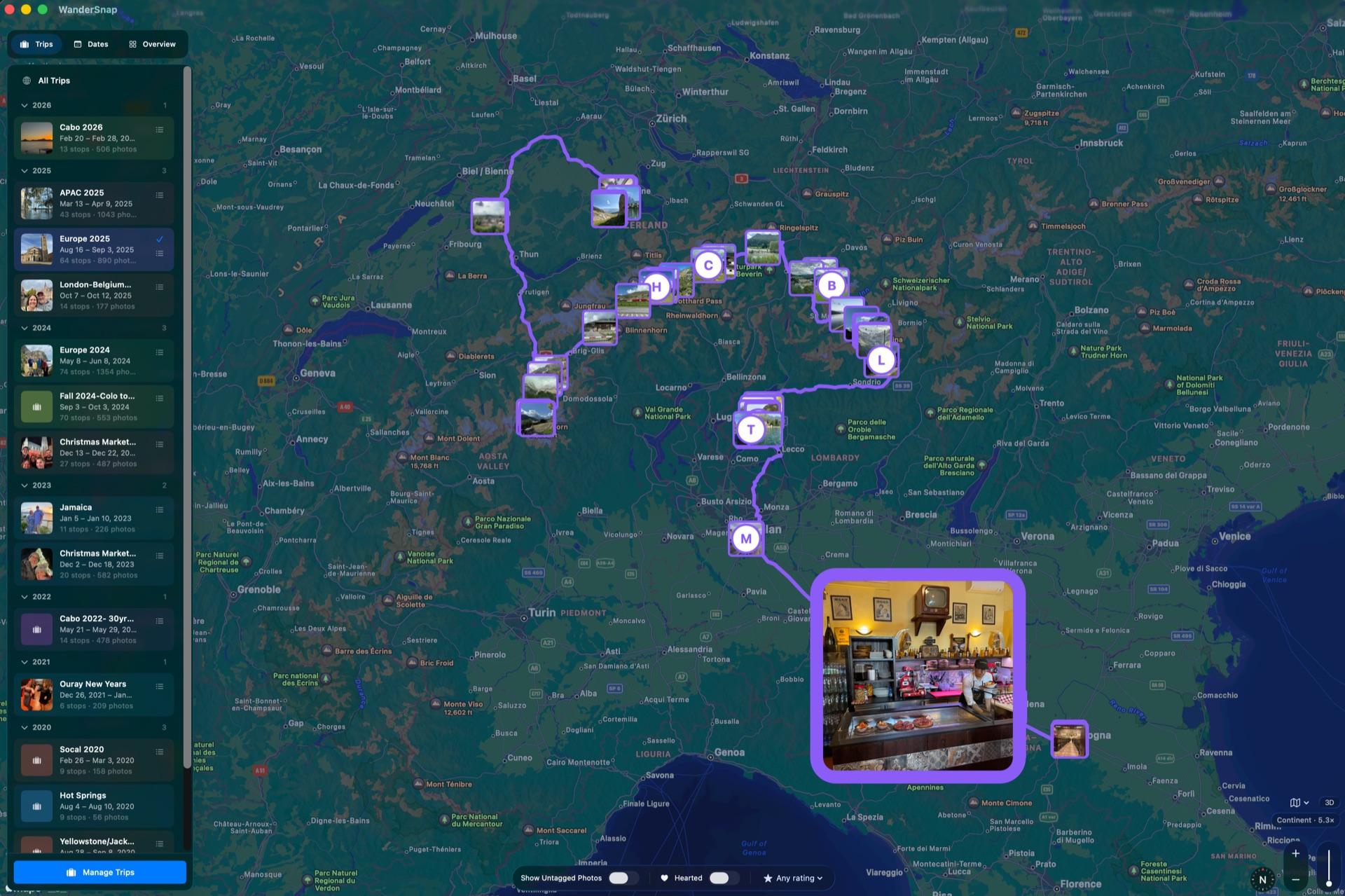
Inside a trip, each photo is pinned to exactly where it was taken. Follow your route from arrival to departure and watch the days unfold across the map, in place and in order.
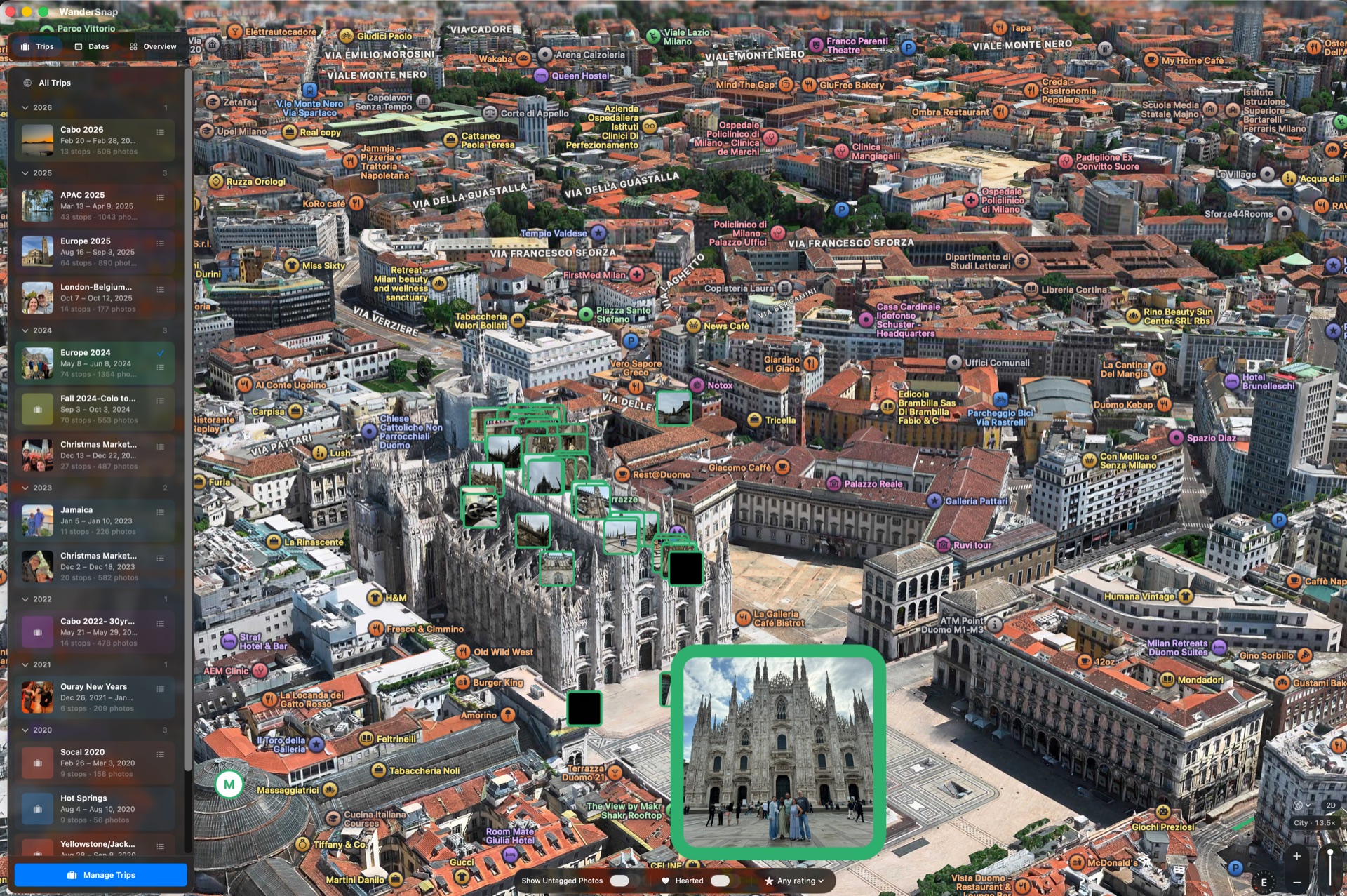
Tilt the map into a 3D landscape and fly through the route you actually traveled — over the coastlines, mountains, and city streets that made the trip what it was.
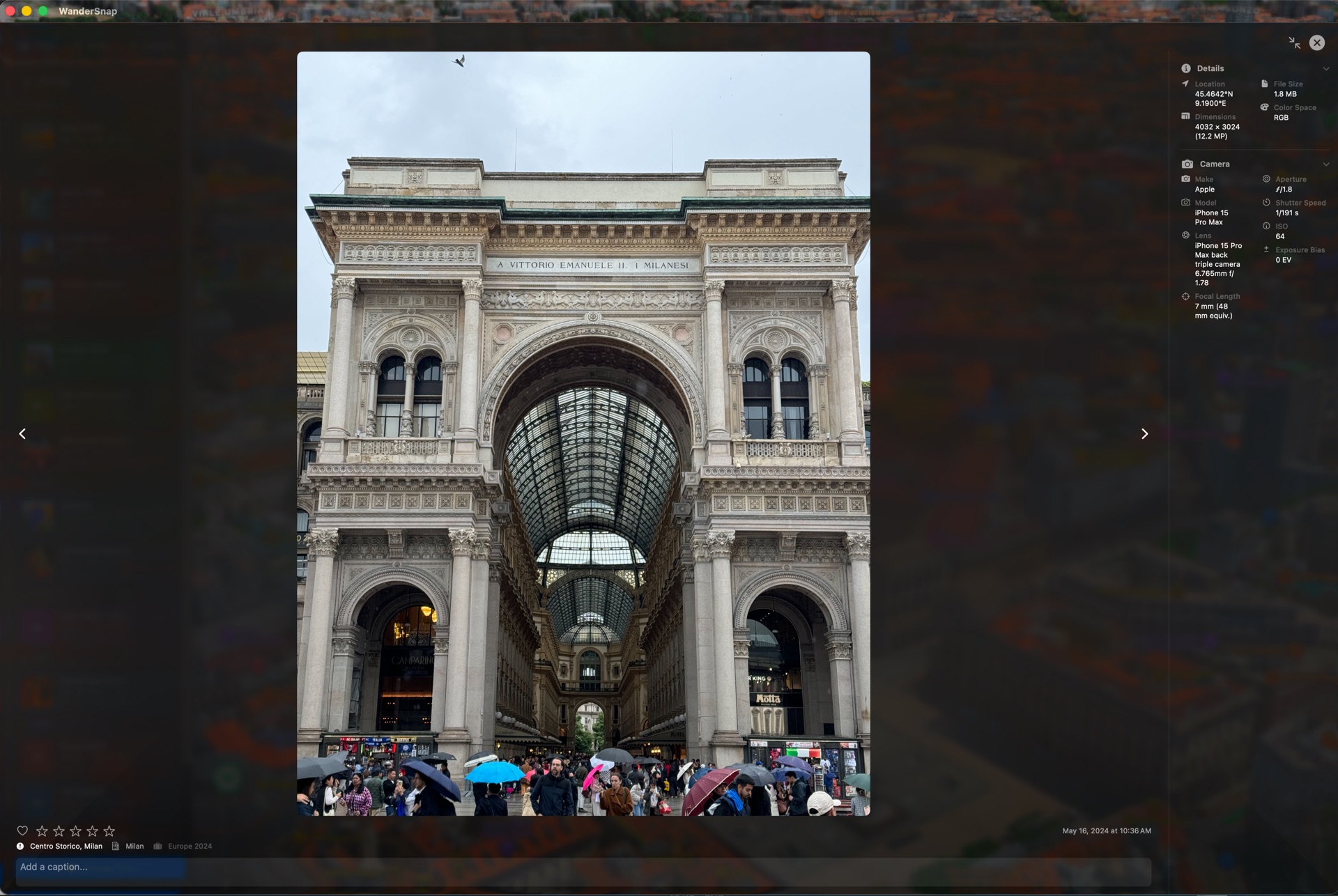
Browse the photos themselves — in place, in context, and in the order you took them. The memory and the map are never more than a glance apart.
WanderSnap scans your photo library, groups shots by city and date range, and proposes trips automatically. Confirm, merge, split, and name them — and hide the home cities that aren't really travel. Years of photos, organized without retreading ground you've already covered.
WanderSnap reads your photos and their location data on your device. Your library and the trips you build from it stay yours — nothing is uploaded to a server.
WanderSnap is in closed beta. Coming soon to the Apple App Store.